
How to Install the Cookie Banner for Existing Users
How to Install the Cookie Banner for Existing Users
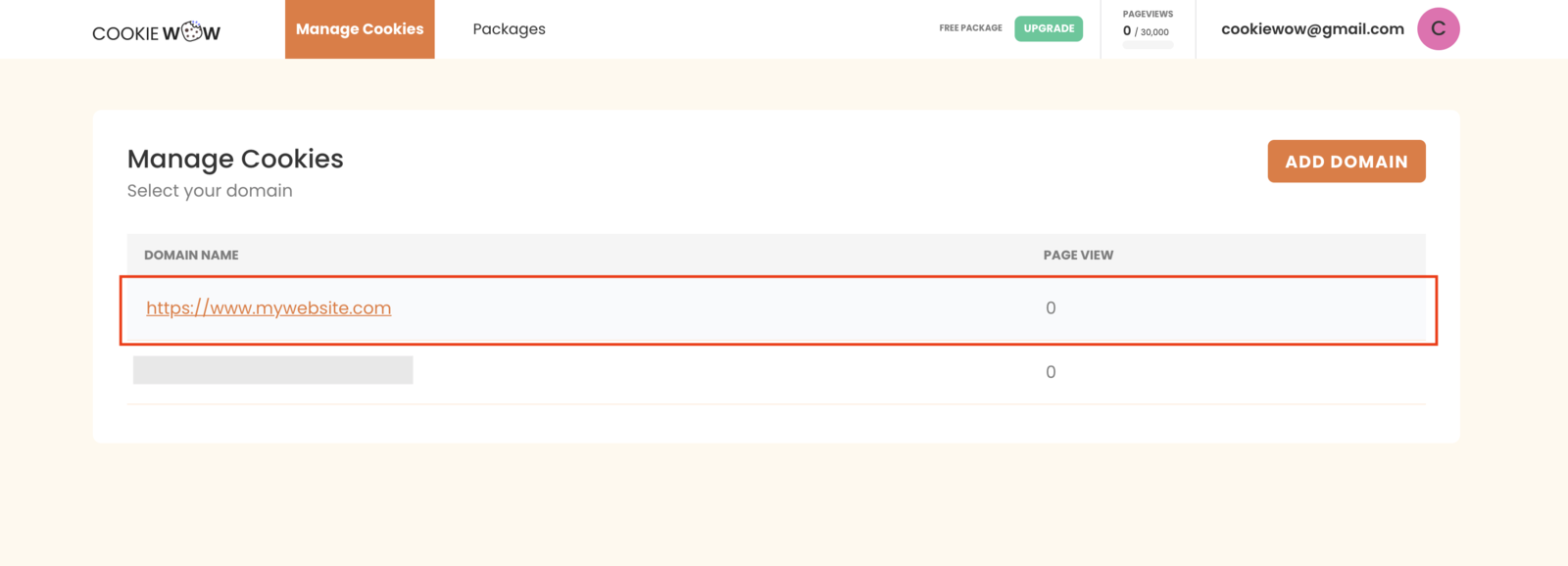
Go to the dashboard at https://app.cookiewow.com/projects and select the domain where you want to install the cookie banner.
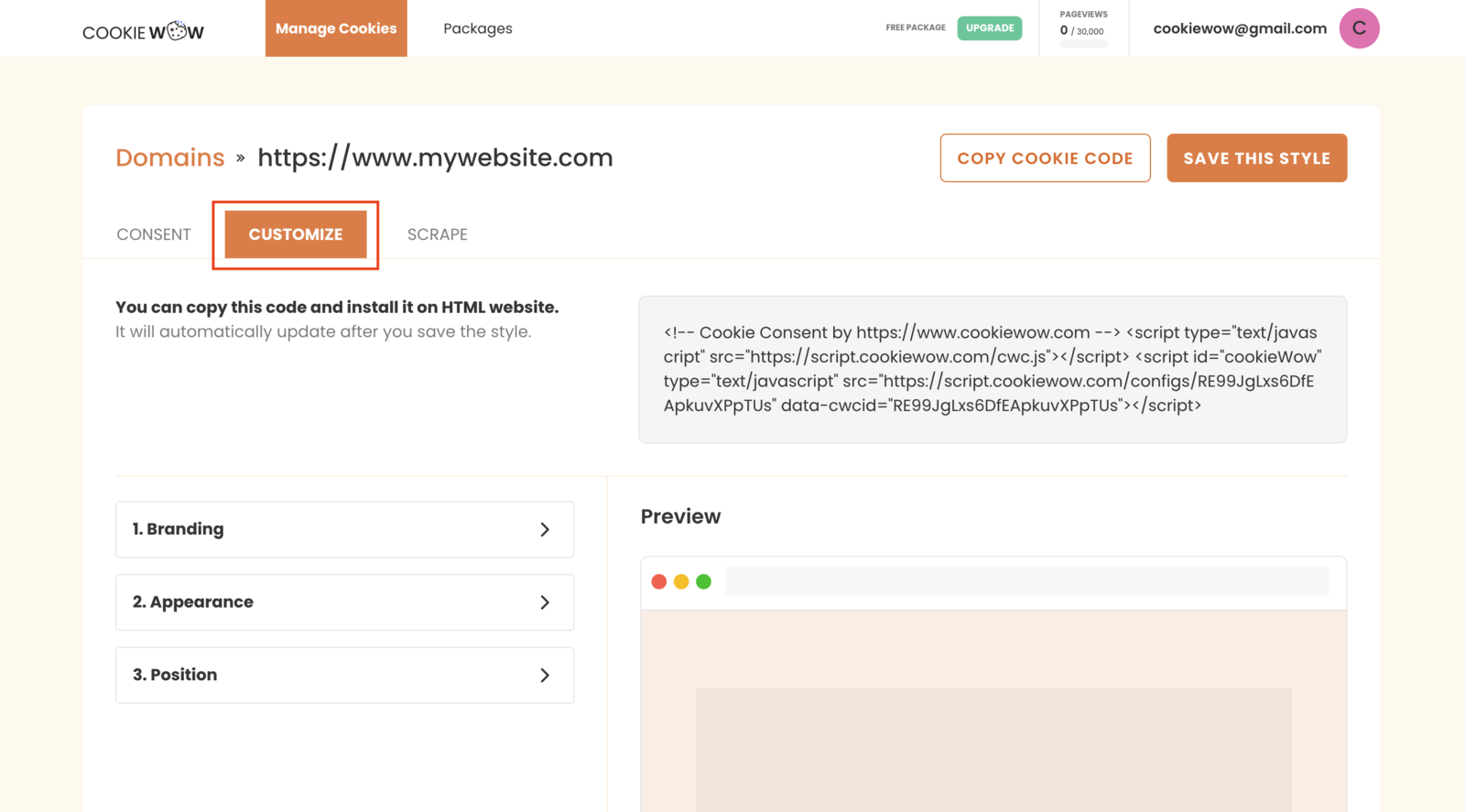
Click the Customize tab.
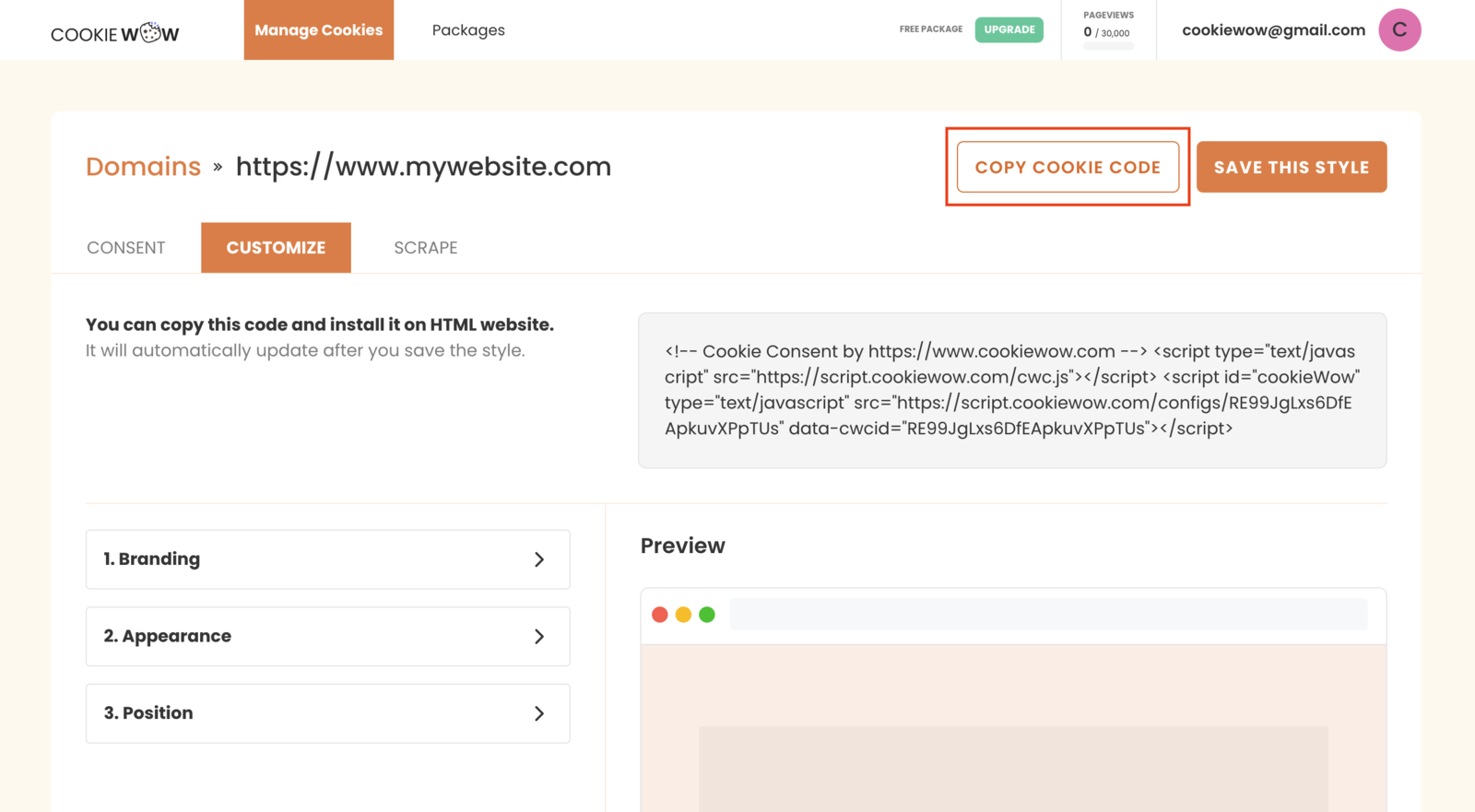
Click COPY COOKIE CODE to copy the script.
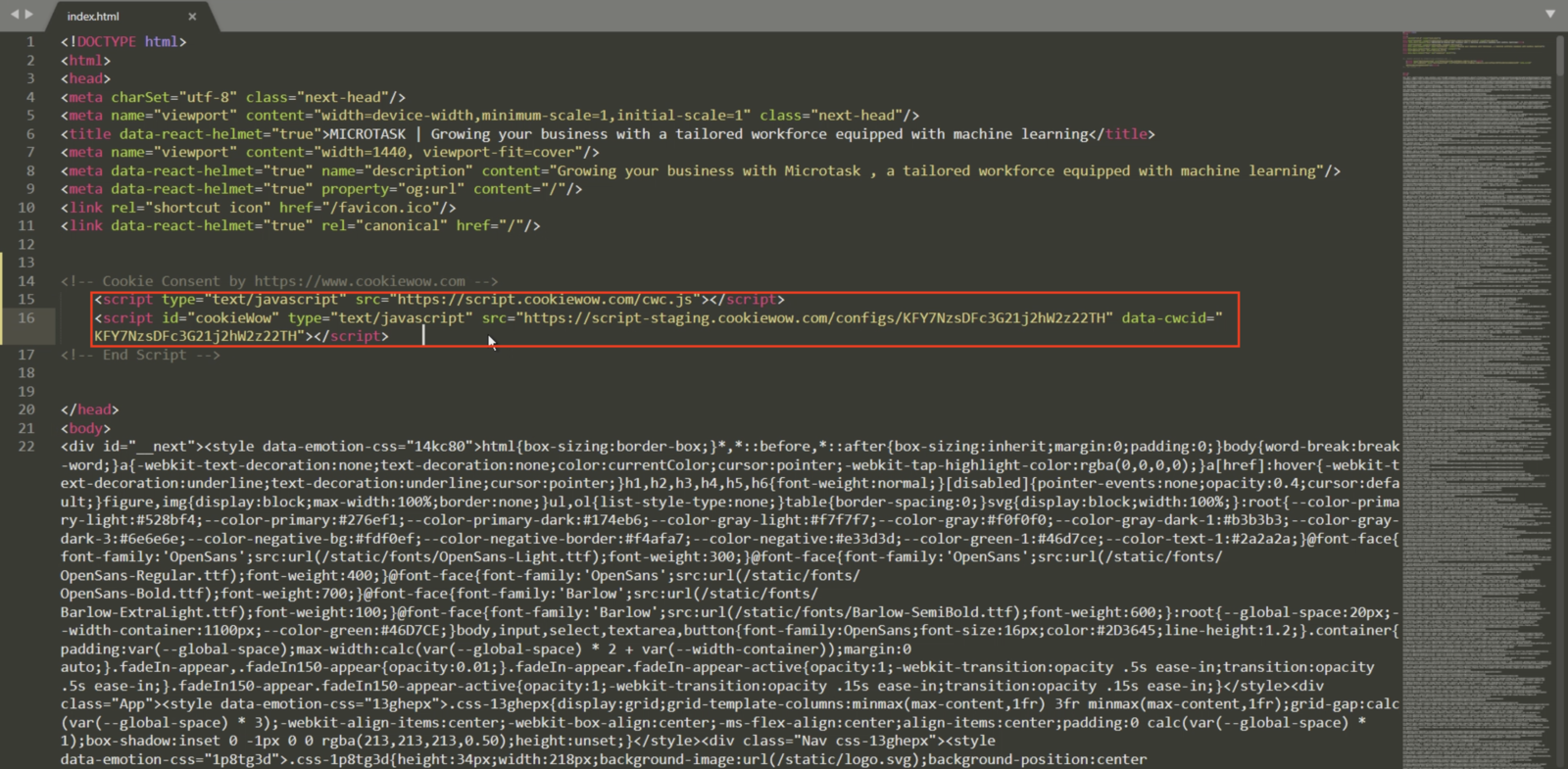
Paste the script into your website's code within the
<head>tag — make sure it's placed above all other scripts and cookies.
Related articles
See allHow to add script to Shopify
1. Add Script to All Pages (Theme Code)Use this method if you're embedding JS across the whole store (e.g., Google Analytics, custom even...
Managing Cookies or Scripts Added via Google Tag Manager (GTM)
Managing Cookies or Scripts via Google Tag Manager (GTM)According to PDPA regulations, if your website uses third-party scripts that may ...
How to Install the Cookie Banner for Existing Users
How to Install the Cookie Banner for Existing UsersGo to the dashboard at https://app.cookiewow.com/projects and select the domain where ...
Need more help?
Get in touch and we'll help solve it